
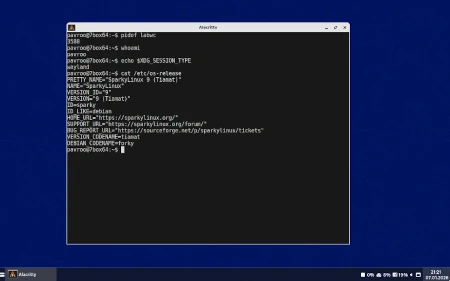
There is a new desktop available for Sparkers: Labwc, as well as Sparky 2026.01~dev Labwc ISO image.
What is Labwc?
Labwc or Lab Wayland Compositor is a wlroots-based window-stacking compositor for wayland, inspired by openbox. It is light-weight and independent with a focus on simply stacking windows well and rendering some window decorations. It takes a no-bling/frills approach and says no to features such as animations. It relies on clients for panels, screenshots, wallpapers and so on to create a full desktop environment. Labwc tries to stay in keeping with wlroots and sway in terms of general approach and coding style. Labwc has no reliance on any particular Desktop Environment, Desktop Shell or session. Nor does it depend on any UI toolkits such as Qt or GTK.
Installation on Sparky testing (9):
sudo apt update
(packages installation only, requires your set up):
sudo apt install sparky-desktop-labwc
or (with Sparky settings):
via APTus (>= 20260108)-> Desktops-> Labwc
or (with Sparky settings):
via Sparky testing (9) MinimalGUI/ISO image.
Then reboot to take effects, and choose Labwc from your Login/Session manager.
Web: github.com/johanmalm/labwc
License: GNU GPL 2
Sparky 2026.01~dev0 Labwc (MinimalGUI) ISO image lets you test it in live environment without installation.
Some applications which work in X11 and use root/sudo privileges have been removed, such as: Synaptic, APTus, Gufw, GParted, etc.
The Sparky CLI Installer lets you install the Sparky Labwc ISO on your hard drive if you’d like, via the command:
sudo sparky-installer
If you live Openbox and feel comfortably with it, you should like Labwc on Wayland too.
Sparky MinimalGUI Labwc doesn’t replace Openbox ISO yet, but is created to be Wayland-compatible alternative to X11-besed Openbox ready to use.
Get Sparky Labwc development ISO image from /download/development/ page.

i’m done test, labwc not smooth like puppy linux, need improve